
A digital guestbook for your event
A short note from a friend, a grandparent’s voice, the toast everyone laughed at. Guests can add each one to a book you can open again after the event.

 One of my favourite moments from your day.Olia
Turn guest messages into pages
Choose a design
Enable Guestbook in your event. Select the cover and page design in the guestbook section.
Invite messages
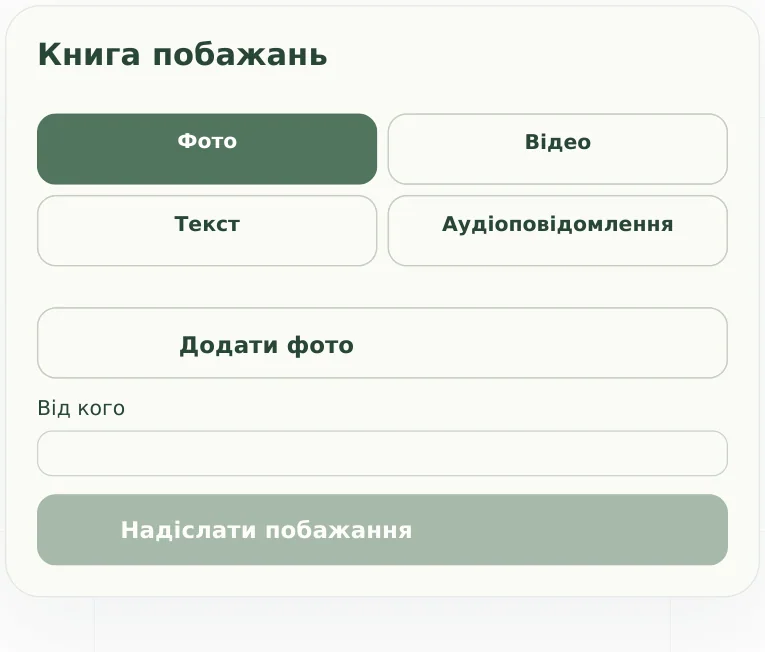
Guests scan the code, choose the guestbook and send a photo, video, voice recording or written note.
Review the book
Approve entries if moderation is enabled. Turn through the pages and open the book studio for any finishing touches.
Edit an individual page in the studio
Open the book studio and move to a page using the arrows. Choose a different photo from the gallery. Resize its frame, then zoom or reposition the picture inside it.
Select a caption or a text block to move it or change just its font and size. Add your own message if you like. Save the page and check the book preview.
Open the step-by-step guide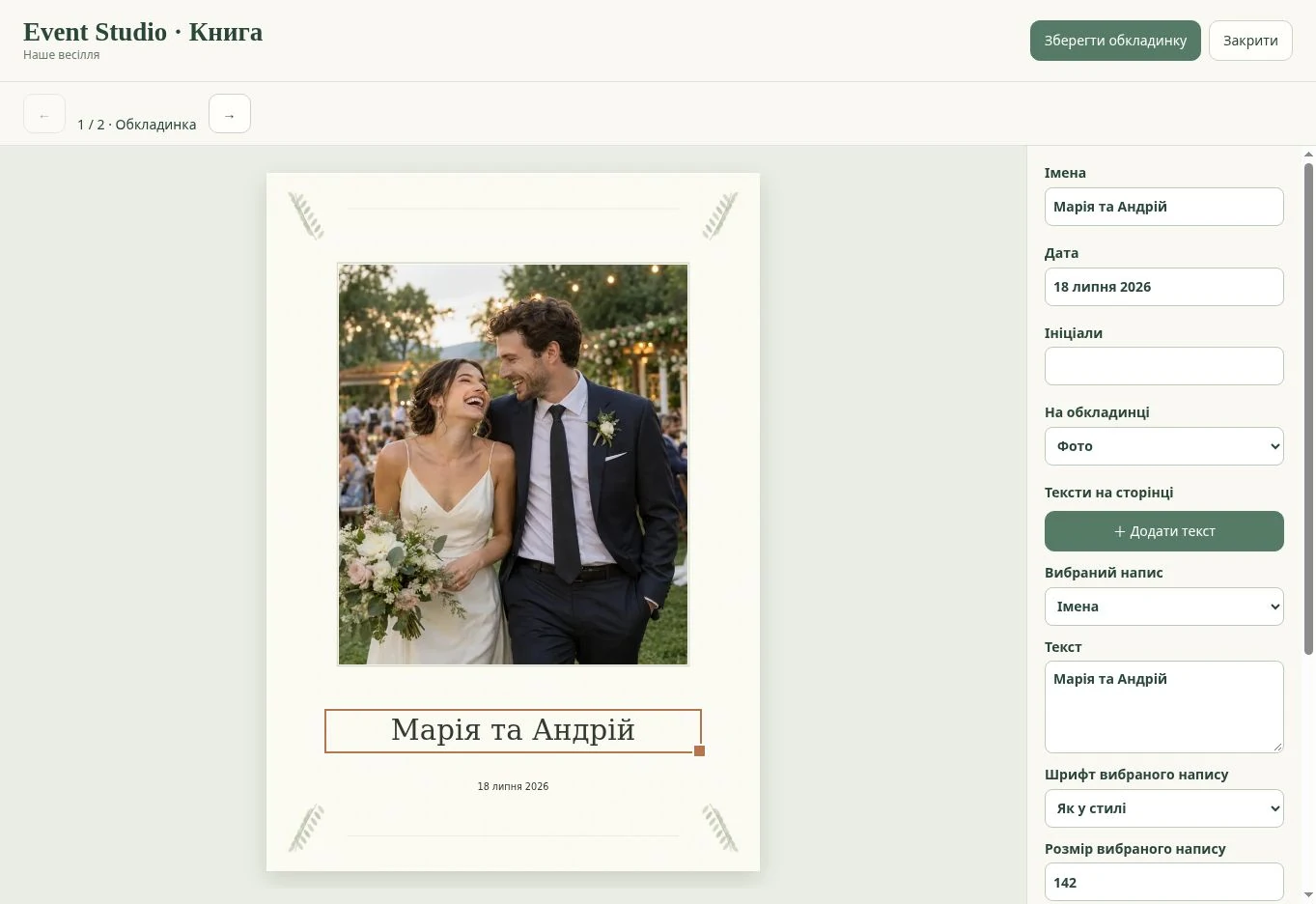
Print the pages or keep the voices
Choose Download PDF for a printable book of photos and words. To hear audio and watch videos, export the HTML book instead. This single file opens in a browser even offline.
Common questions
How can a guest record a voice message?
Choose Audio message and allow microphone access in the browser, or upload an existing recording.
Are guestbook messages added to the public gallery?
Entries sent through the guestbook stay in the book. Guests use the separate gallery upload option for shared photos.
Can I move just the signature?
Select the signature in the studio, drag it into place and save the page.